by Frazer 👁 155 views
📷 Download as PNG

Golem Control Rod

๐Ÿช„ Rod (golem control) Uncommon
requires attunement by a spellcaster

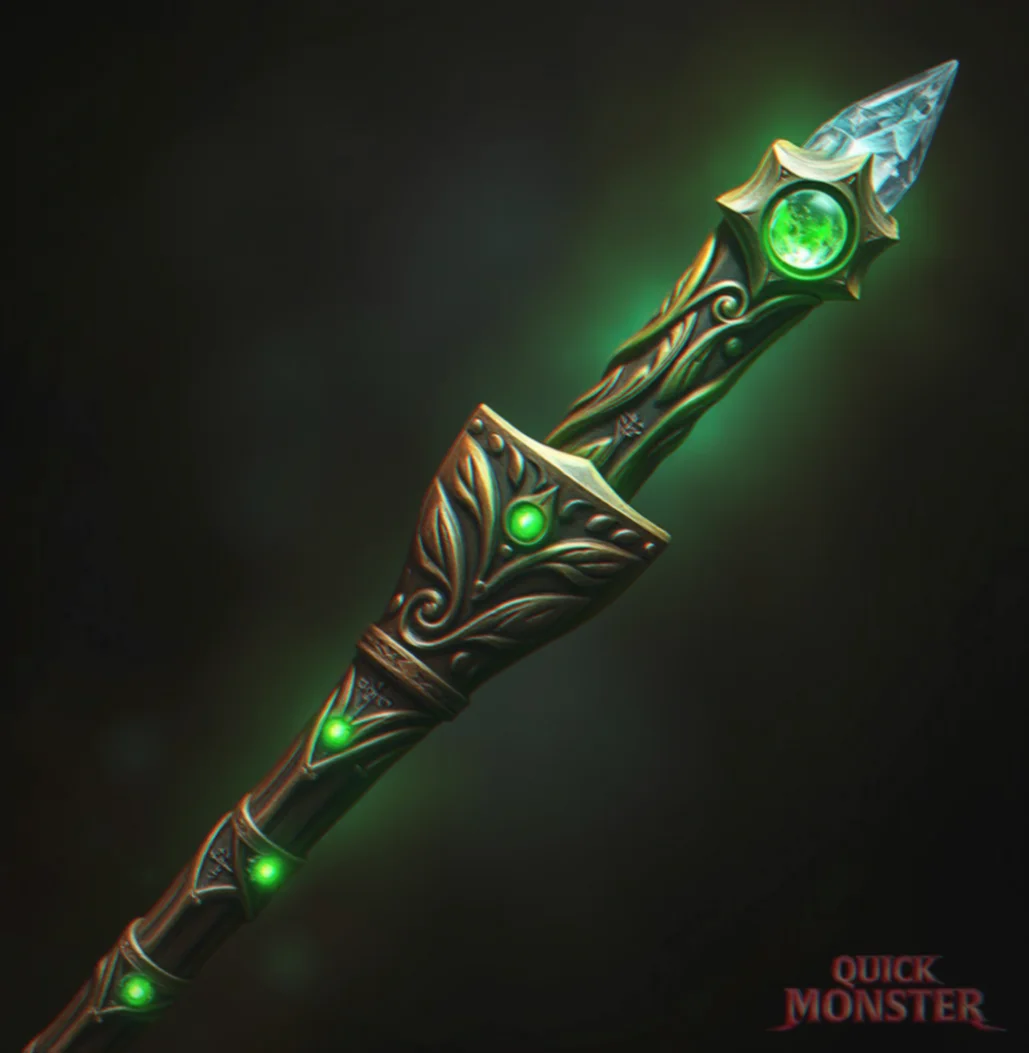
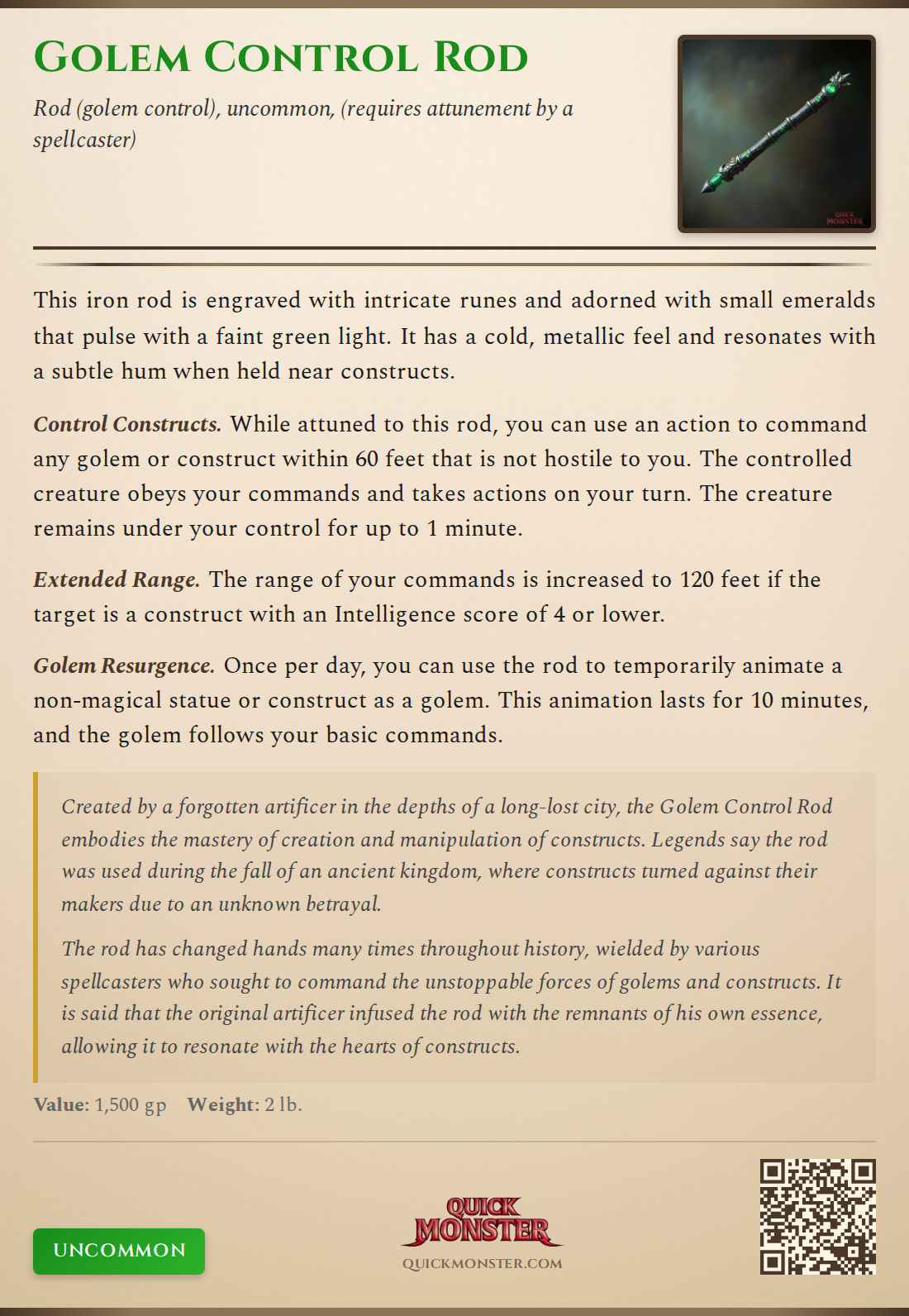
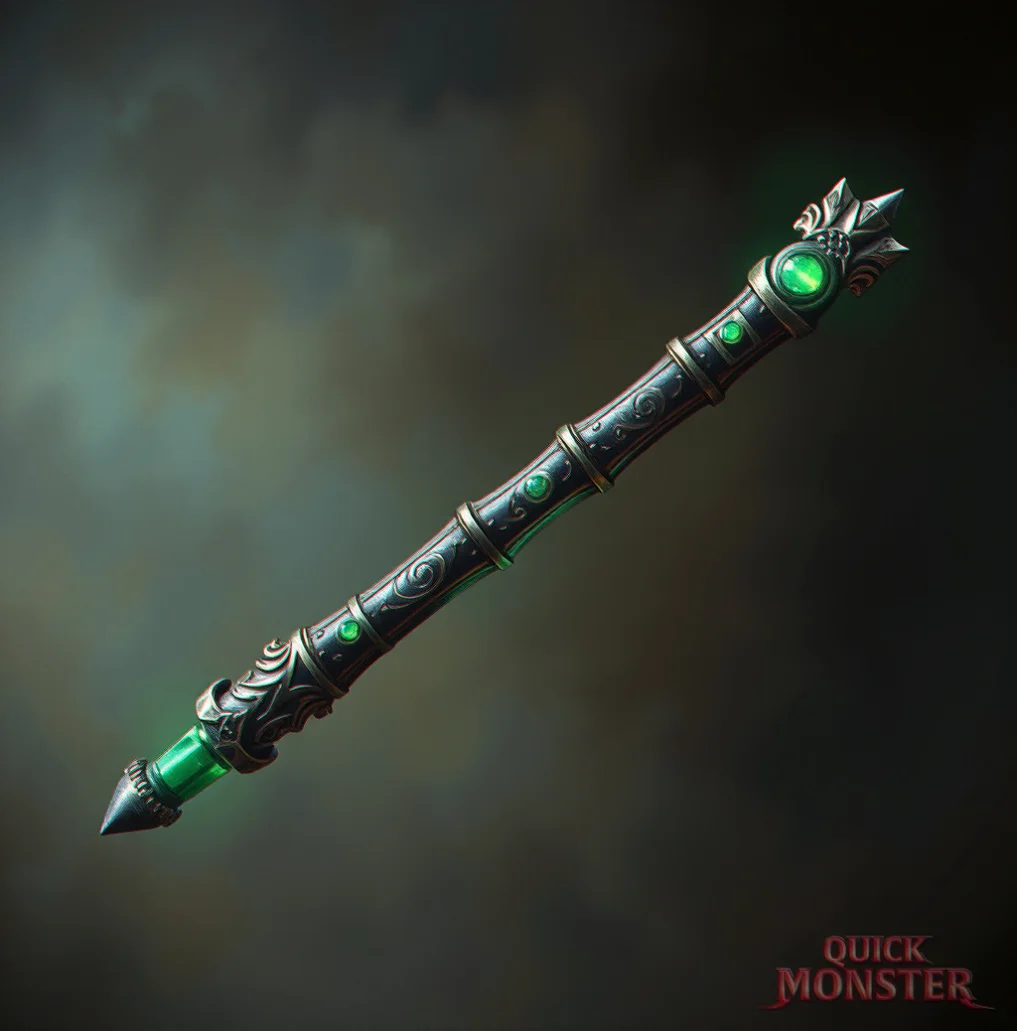
This iron rod is engraved with intricate runes and adorned with small emeralds that pulse with a faint green light. It has a cold, metallic feel and resonates with a subtle hum when held near constructs.

Control Constructs While attuned to this rod, you can use an action to command any golem or construct within 60 feet that is not hostile to you. The controlled creature obeys your commands and takes actions on your turn. The creature remains under your control for up to 1 minute.
Extended Range The range of your commands is increased to 120 feet if the target is a construct with an Intelligence score of 4 or lower.
Golem Resurgence Once per day, you can use the rod to temporarily animate a non-magical statue or construct as a golem. This animation lasts for 10 minutes, and the golem follows your basic commands.

Lore

Created by a forgotten artificer in the depths of a long-lost city, the Golem Control Rod embodies the mastery of creation and manipulation of constructs. Legends say the rod was used during the fall of an ancient kingdom, where constructs turned against their makers due to an unknown betrayal.

History

The rod has changed hands many times throughout history, wielded by various spellcasters who sought to command the unstoppable forces of golems and constructs. It is said that the original artificer infused the rod with the remnants of his own essence, allowing it to resonate with the hearts of constructs.

Created by Frazer 👁 155 views

📷 Export as Image

Share your item as a beautiful PNG image styled like classic D&D sourcebooks.
📥 Download PNG
Golem Control Rod Item Card

Includes: Full item details, item image (if selected), rarity badge, and QuickMonster branding with QR code.

Resolution: High-quality PNG at 2x scale for crisp display on any device.
🔌

Chrome Extension Required

To export Golem Control Rod to D&D Beyond, you need the QuickMonster browser extension. It auto-fills the homebrew creator with stats, properties, and images.

1
Install the Extension

Get QuickMonster to D&D Beyond Export from the Chrome Web Store.

2
Refresh This Page

After installing, refresh and click the export button again.

🔌 Get Chrome Extension