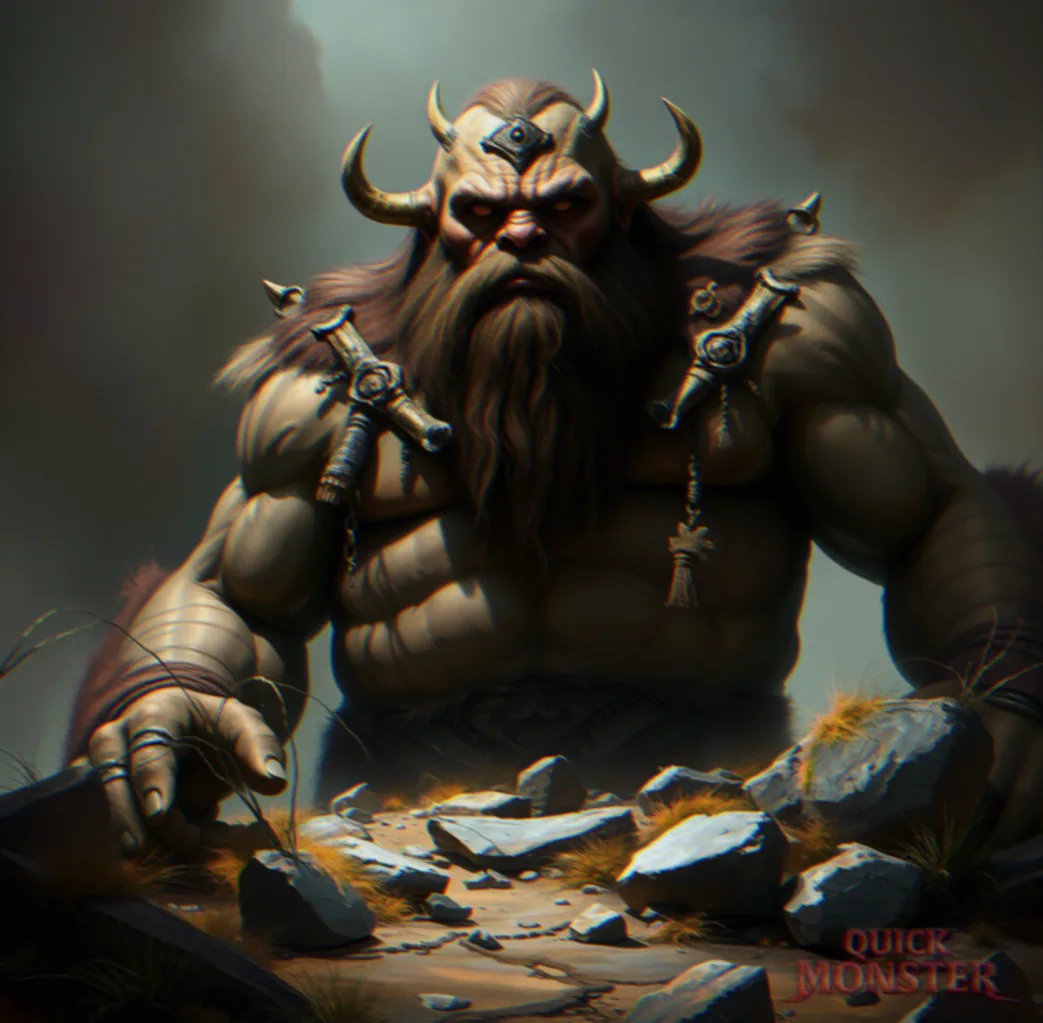
Earthshaper Titan
Armor Class 22 (natural armor)
Hit Points 390 (20d20+180)
Speed 40 ft. burrow 20 ft. climb 20 ft.
Saving Throws Con +14, Wis +7
Skills Athletics +12, Perception +9
Senses darkvision 120 ft., passive Perception 19
Languages Common, Giant, Terran
Challenge 20 (25,000 XP) Proficiency Bonus +6
Actions
Legendary Actions
The creature can take 3 legendary actions, choosing from the options below. Only one legendary action can be used at a time and only at the end of another creature's turn. The creature regains spent legendary actions at the start of its turn.
Lair
Lair Actions
On initiative count 20 (losing initiative ties), the creature can take a lair action to cause one of the following effects; it can't use the same effect two rounds in a row:
- Rift in the Ground. On initiative count 20, the ground within 120 feet splits into a narrow fissure, creating 20–25 feet of difficult terrain and optionally dropping a creature that fails a DC 18 Dex save into a 10-foot deep crevice.
- Stone Bloom. Rocks sprout from the ground in a 20-foot radius around the titan, creating hard cover for 1 round.
- Terran Re-route. The ground shifts to reroute rivers and raise hills in a 400-foot radius, altering navigation and line of sight.
Regional Effects
The region containing the creature's lair is warped by its magic, creating the following effects:
- Within 6 miles of the lair, geologic features shift; rivers reverse course and mountains reform.
- New geological features appear; shallow earthquakes occur weekly, altering terrain and map features.
- Small settlements find their maps unreliable as roads physically realign themselves.
If the Earthshaper Titan dies, the region slowly reverts to its original geography over the course of 1d100 years.
📷 Export as Image
Share your monster as a beautiful PNG image styled like classic D&D sourcebooks.
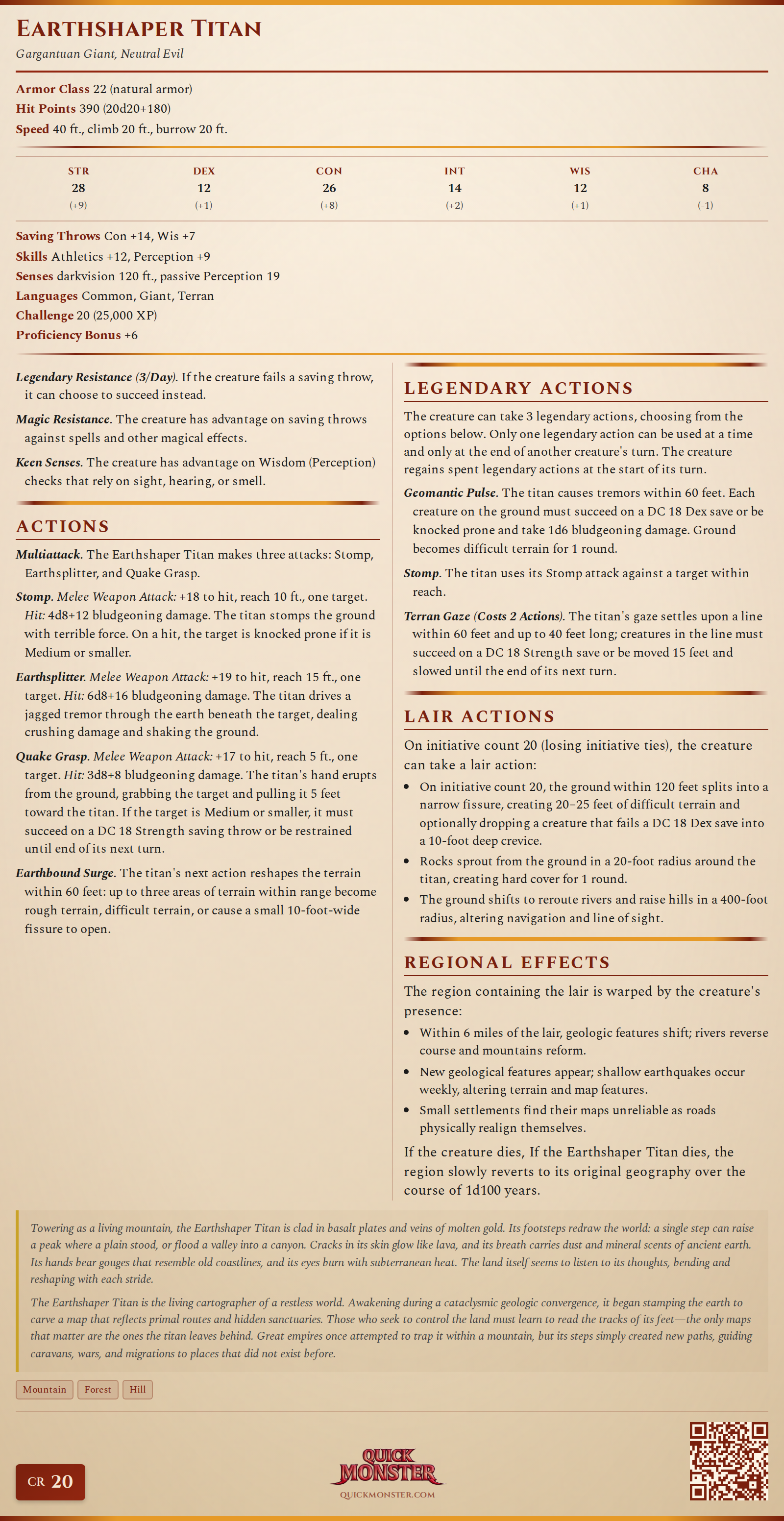
Includes: Full stat block, monster image (if selected), CR badge, and QuickMonster branding.
Resolution: High-quality PNG at 2x scale for crisp display on any device.
Lore & Description
Appearance
Towering as a living mountain, the Earthshaper Titan is clad in basalt plates and veins of molten gold. Its footsteps redraw the world: a single step can raise a peak where a plain stood, or flood a valley into a canyon. Cracks in its skin glow like lava, and its breath carries dust and mineral scents of ancient earth. Its hands bear gouges that resemble old coastlines, and its eyes burn with subterranean heat. The land itself seems to listen to its thoughts, bending and reshaping with each stride.
Behavior & Origins
The Earthshaper Titan is the living cartographer of a restless world. Awakening during a cataclysmic geologic convergence, it began stamping the earth to carve a map that reflects primal routes and hidden sanctuaries. Those who seek to control the land must learn to read the tracks of its feet—the only maps that matter are the ones the titan leaves behind. Great empires once attempted to trap it within a mountain, but its steps simply created new paths, guiding caravans, wars, and migrations to places that did not exist before.